

Airtel Data Not Working After Subscription: 7 Fixes That Actually Work
Got the Airtel data success message but your internet still refuses to connect? Here are seven verified fixes to get your browsing working immediately.
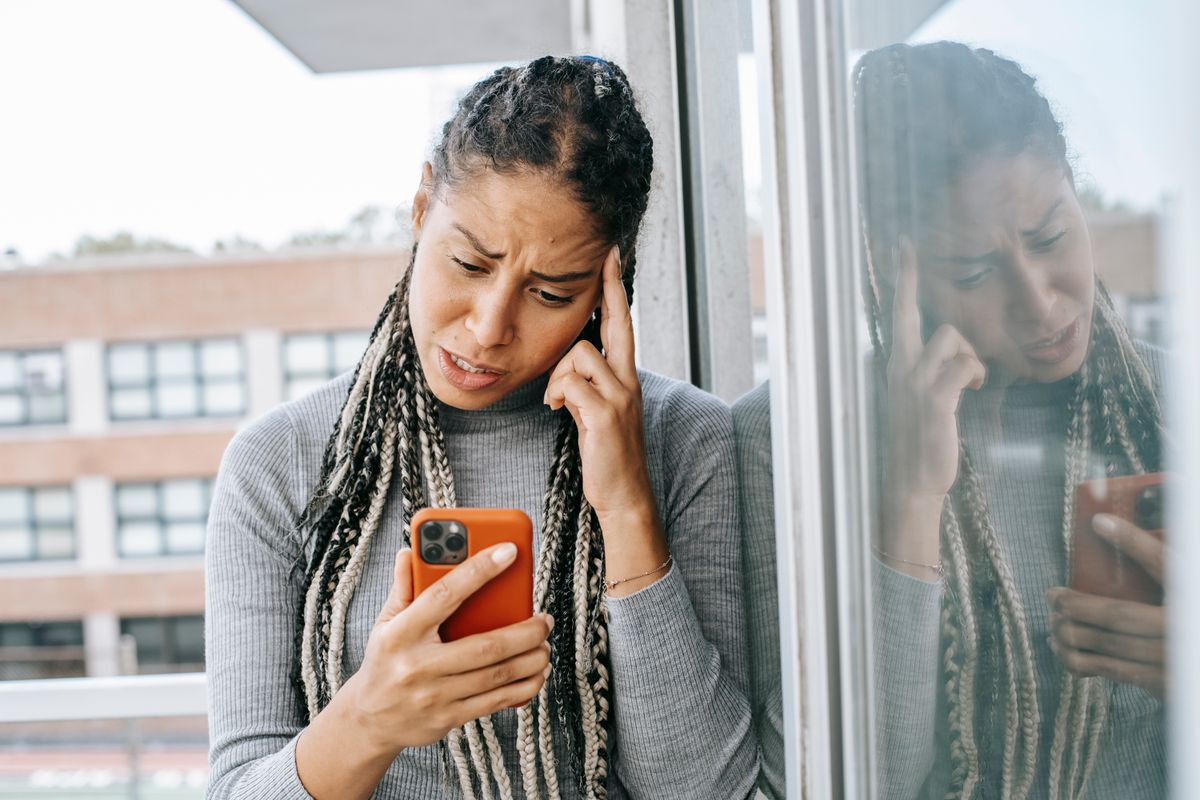
Few things in daily Nigerian life are more irritating than buying a data plan, receiving the official "Your data subscription was successful" SMS from Airtel, turning on your mobile data switch, and watching WhatsApp spin indefinitely on "Connecting...". You were debited, the telco confirmed the transaction, but not a single megabyte is moving.
If you are dealing with a stuck transaction or want guaranteed instant delivery on your next top-up, you can purchase data directly through Vtyield guest data or check other network solutions in our data plans directory.
Before you waste time calling customer service or visiting an Airtel showroom, walk through these seven proven fixes. In over 95 percent of cases, one of these steps resolves the issue in under three minutes.
Fix 1: Verify That the Bundle Actually Credited Your Data Account
Sometimes you buy data through a third-party banking app or USSD menu, receive a debit alert, but the bank actually bought airtime instead of a data plan. Alternatively, the transaction was delayed on the telco switchboard.
Do not assume your data is active until you check your balance directly:
If the response shows 0MB active, your money might be sitting as raw airtime in your main account. In that case, dial \*312# and select your preferred data bundle manually using your available airtime balance.
Fix 2: The 15-Second Airplane Mode Radio Reset
When a new data subscription is activated on Airtel's backend, your phone's cellular modem does not always immediately renegotiate its data session with the local cell tower. Your phone is still holding on to the old network session token that had zero balance.
1. Swipe down your phone's notification shade or control center.
2. Tap the Airplane Mode icon to turn it on.
3. Wait at least 15 seconds (give the cell tower time to drop the dead radio connection).
4. Tap Airplane Mode again to turn it off.
5. Wait for the 4G or LTE icon to reappear with data transmission arrows next to it.
This simple toggle forces your device to register a brand-new IP session with the nearest Airtel mast, which immediately recognizes your newly funded data bucket.
Fix 3: Check and Correct Your Airtel APN Settings
An incorrect Access Point Name (APN) is the single most common reason a phone shows 4G network bars but refuses to open internet pages. If you recently swapped your SIM into a new phone, reset your device, or received a software update, your APN may have reset to blank.
How to Check APN on Android:
1. Open Settings > Mobile Network (or SIM Card & Mobile Data). 2. Tap on your Airtel SIM. 3. Select Access Point Names. 4. If the list is empty or shows an outdated profile, tap the + (plus icon) to create a new APN.The Correct Airtel APN Configuration:
internet.ng.airtel.com (or simply internet)default,suplTap the checkmark or three dots to Save the APN, and make sure the radio button next to it is selected.
How to Check APN on iPhone / iOS:
1. Go to Settings > Mobile Data (or Cellular). 2. Tap Mobile Data Network. 3. Under the Mobile Data section, set the APN field tointernet.ng.airtel.com.
4. Leave Username and Password blank.Fix 4: Switch Network Mode from "4G Only" to "4G/3G Auto"
Many users use third-party secret code apps to lock their phones onto "LTE Only" or "4G Only" to prevent fallback to 3G. While this sounds great in theory, if your local Airtel tower is performing maintenance on its 4G transmitter, locking 4G only completely cuts off your internet connection.
1. Go to Settings > Mobile Network > Airtel SIM.
2. Tap Preferred Network Type.
3. Select 4G/3G/2G (Auto) instead of a locked mode.
This allows your phone to gracefully drop to HSPA+ (3G) to keep your messages moving if the 4G carrier signal drops temporarily.
Fix 5: Disable VPNs and Custom Private DNS
If you use a VPN app (like Windscribe, TurboVPN, or NordVPN) or have configured a custom Private DNS (such as AdGuard or Cloudflare 1.1.1.1) to block ads, that setting can break your connection when mobile data reboots.
Nigerian telco IP routing frequently conflicts with foreign VPN handshake protocols:
1. Go to Settings > Connection & Sharing > VPN and toggle all active VPN profiles to Off.
2. Go to Settings > Private DNS and set it to Off or Automatic instead of a custom hostname.
3. Open your browser and try loading a lightweight website like google.com.
Fix 6: Check Android's Internal Data Warning and Limit
Android devices include a built-in safety switch designed to prevent bill shock. If you set a monthly data limit of 5GB last month and reached it, your phone will automatically turn off background and foreground data, even if you just subscribed to a fresh 10GB plan.
1. Go to Settings > Network & Internet > Data Usage (or SIM Card & Data).
2. Tap Billing Cycle and Data Warning.
3. Look at Set Data Limit. If it is turned on and your bar is red, turn off the data limit switch completely.
4. Your internet data should begin flowing immediately.
Fix 7: Reset Network Settings
If you completed all six steps above and your phone still refuses to browse, your device's internal network cache or routing table may be corrupted. Resetting network settings wipes corrupt Wi-Fi, Bluetooth, and cellular cache without touching your photos, messages, or apps.
1. Go to Settings > System > Reset Options (on Samsung: General Management > Reset).
2. Tap Reset Network Settings (or Reset Wi-Fi, Mobile & Bluetooth).
3. Confirm by entering your phone screen lock PIN.
4. Restart your phone once the reset finishes.
When All Else Fails: How to Contact Airtel
If your balance confirms active data, your APN is verified, and another Airtel phone in your exact room has working internet, the issue is account provisioning on Airtel's backend.
You can resolve this quickly:
@AirtelNigeria with your phone number. They typically respond within twenty minutes.For future renewals, choosing an automated platform like Vtyield guest data gives you direct delivery verification, so you always know your bundle is activated properly on the network switchboard.
Frequently Asked Questions
Why does my Airtel data show 4G but nothing opens?
This usually means your device is connected to the physical cell tower, but your APN configuration is incorrect or your active data session was not refreshed after subscription. Toggle Airplane Mode or verify your APN is set tointernet.ng.airtel.com.What is the default Airtel APN for Nigeria?
The standard APN for Airtel Nigeria isinternet.ng.airtel.com (or simply internet). The MCC is 621 and MNC is 20.What code checks Airtel data balance in 2026?
Dial \323# or \140# to check your active Airtel data balance and expiry date via USSD and instant SMS.Does turning on Airplane Mode fix stuck data?
Yes. Turning on Airplane Mode for 15 seconds disconnects the cellular modem from the tower and forces a brand-new IP negotiation when turned back on, clearing stuck sessions.Can a VPN stop Airtel data from connecting?
Yes. Many VPN protocols and custom Private DNS addresses conflict with Airtel's local IP gateways. Disabling your VPN or setting Private DNS to Automatic usually restores internet access.Get more like this — free
No spam. Just useful Nigerian fintech tips, once a week.
You might also like
Buy Airtel 1GB Data in Nigeria: Price, Activation Codes, and Validity Explained
Complete guide on buying Airtel 1GB data in Nigeria. Compare 24-hour Binge plans with 30-day corporate data prices, USSD codes, and validity rules.
9mobile (T2) Cheapest Data Plans in Nigeria (2026): Daily, Weekly & Monthly Compared
Compare the cheapest 9mobile data plans in Nigeria. Review daily, weekly, monthly, and night browsing tariffs, USSD activation codes, and tips.
Buy MTN 5GB Data in Nigeria: Price, Validity, and Activation Guide
Complete guide on buying MTN 5GB data in Nigeria. Compare 7-day weekly bundles with 30-day wholesale SME data, USSD codes, and hotspot tips.
Ready to try it out?
Airtime, cheap data, electricity tokens, cable TV — delivered in seconds. No queues, no agents.
Account saves your history & earns you referral bonuses