

Bot Commands & Guide
Master the Vtyield WhatsApp Bot. Everything you need to know to buy data, top-up airtime, and pay your bills in seconds.
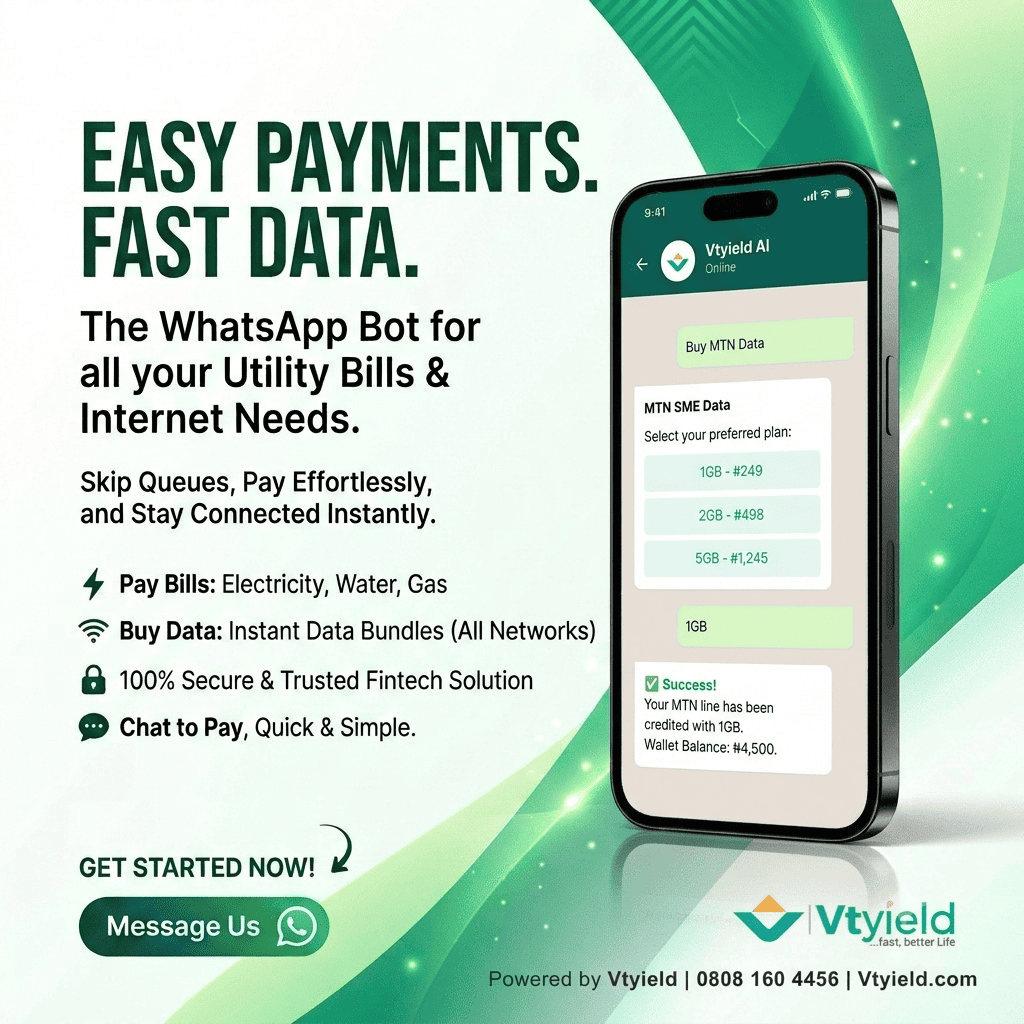
Getting Started
The Vtyield bot uses AI to understand your intent, but it also has strict commands for speed. You don't need an account to say hi, but to perform transactions, your WhatsApp number acts as your secure identity.
- Save +234 808 160 4456 to your contacts.
- Open WhatsApp and send "Hi" or "Menu".
- The bot will reply with an interactive button menu.
Wallet & Funding
"Fund" / "Deposit"
Shows your dedicated account numbers (Moniepoint/Wema/Sterling). Transfer money from your bank to these accounts to instantly fund your WhatsApp wallet.
"Balance"
Instantly checks your current wallet balance.
Data & Airtime
"Data" / "Buy Data"
Triggers the data purchase flow. The bot will ask for the recipient's phone number and automatically detect the network, then show you available data plans and prices.
"Airtime"
Triggers the airtime recharge flow with 2% cashback. Simply provide the number and the amount.
Utilities & Education
"Cable" / "TV"
Start a DSTV, GOTV, or Startimes subscription. You will need your smartcard/IUC number. The bot validates your decoder name before charging you.
"Power" / "NEPA"
Pay for electricity (IKEDC, EKEDC, KEDCO, etc.). The bot validates your meter number and generates your token instantly in the chat.
"Exam" / "PIN"
Buy WAEC, NECO, or NABTEB result checking PINs. The PIN and Serial number are delivered directly as a message.
Control & Support
"Cancel"
Made a mistake? Type "Cancel" at any point during a transaction to abort the process safely.
"Support" / "Help"
Connects you directly to our human customer success team if the bot cannot resolve your issue.