How to Pay DStv Subscription Online Without Going to a Shop
Learn how to renew your DStv subscription online from home in minutes, compare payment channels, and clear the E16 scrambled error code immediately.
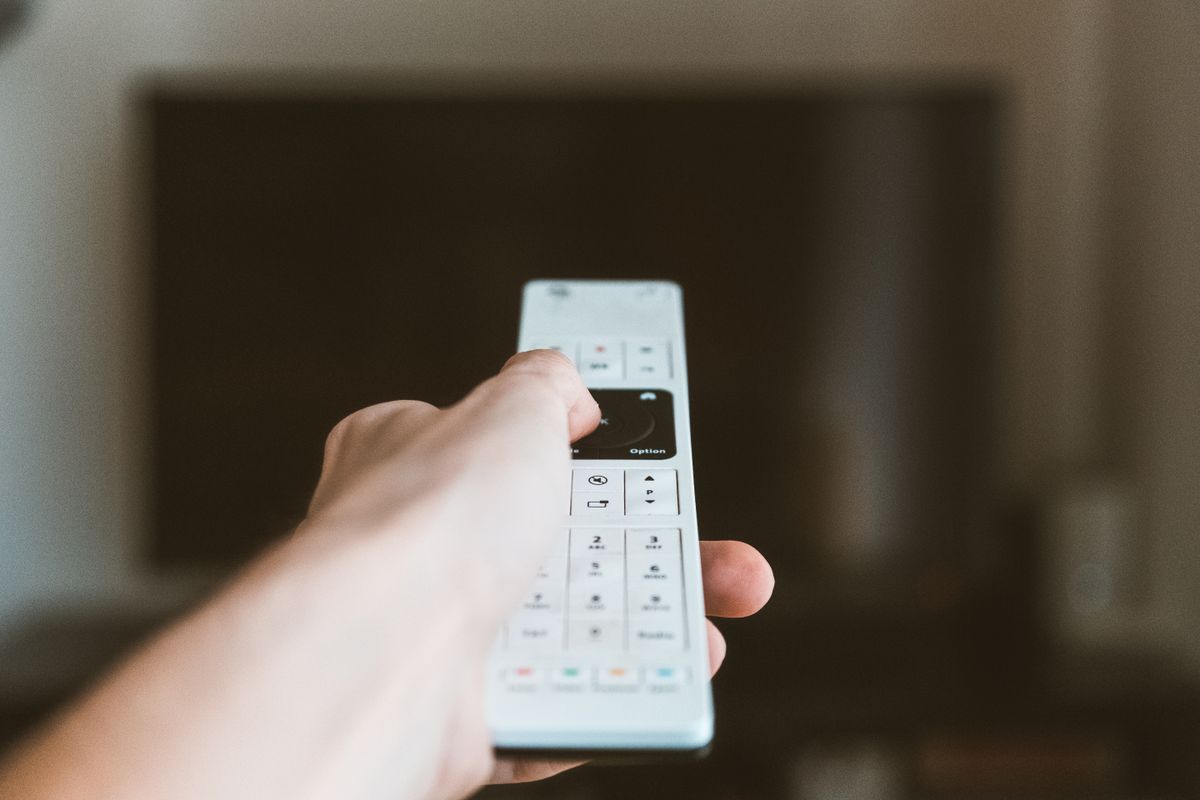
The most inconvenient time for your DStv subscription to expire is always twenty minutes before an Arsenal vs Chelsea derby or during the climax of an Africa Magic series. In the past, renewing meant dressing up, driving through traffic to a physical MultiChoice center or bank branch, filling out a paper deposit slip, and waiting in an unmoving queue. In 2026, you can renew your subscription from your couch in less than sixty seconds.
If your decoder is showing an E16 error right now and you want it restored immediately without convenience surcharges, you can pay directly through Vtyield guest cable with instant account reactivation. You can also explore our cable TV guide hub for full channel comparisons and package prices.
Here is the straightforward breakdown of every working online payment method for DStv in Nigeria, and how to ensure your channels return the second your payment clears.
Golden Rule: Leave Your Decoder Turned On Before Paying
Before you make any payment through any app or USSD code, turn on your decoder and leave it on the channel showing the error message (such as channel 151 or channel 200).
When MultiChoice receives payment confirmation, its satellite system beams an automated reactivation signal down to your Smartcard. If your decoder is unplugged or switched off during payment, the satellite pulse will not find your device, leaving your screen blank when you power it back on later.
Method 1: Automated Payment Platforms (Fastest Option)
Using a dedicated utility platform like Vtyield is generally the fastest way to renew because the system runs automated Smartcard verification before you pay.
Steps to Pay on Vtyield:
1. Open the Vtyield guest cable payment page. 2. Select DStv from the provider dropdown. 3. Enter your 10-digit Smartcard / IUC number. The system will automatically fetch and display the registered account owner's full name, confirming you entered the correct digits. 4. Select your bouquet (Padi, Yanga, Confam, Compact, Compact Plus, or Premium). 5. Choose your payment method (debit card, instant bank transfer, or wallet balance) and complete payment. 6. Your channels will restore automatically within two minutes.Because the system verifies the account name first, you eliminate the risk of accidentally paying into someone else's decoder.
Method 2: The MyDStv Mobile App and Website
MultiChoice operates an official self-service app called MyDStv, available on Google Play and Apple App Store, as well as their self-service web portal.
Steps to Pay:
1. Download and open the MyDStv app on your phone. 2. Select Nigeria as your country and log in using your registered mobile phone number and Smartcard number. 3. Tap on the Pay or Recharge button on your home dashboard. 4. Choose whether you want to renew your current package or change to a different bouquet. 5. Select payment by card or PayU gateway and enter your card details. 6. The app verifies payment and sends an automated reset signal to your decoder.The MyDStv app is convenient for checking your exact due date and managing add-ons like Showmax or French Plus bouquets, though it requires an active internet connection to navigate.
Method 3: Commercial Bank Mobile Apps
Nearly every Nigerian commercial bank (including GTBank, Access Bank, First Bank, Zenith, Kuda, and OPay) includes a "Cable TV Bills" section inside their mobile apps:
1. Log into your bank mobile app.
2. Navigate to Pay Bills > Cable TV > DStv.
3. Select your desired package from the bouquet menu.
4. Type in your Smartcard number.
5. Confirm the account name displayed on screen and enter your transaction PIN.
Keep in mind that some bank apps charge an extra ₦100 convenience fee on cable payments, and during peak bank network congestion periods on Friday evenings, payment delivery to MultiChoice servers can experience slight delays.
Method 4: Bank USSD Codes (No Data Required)
If your mobile internet connection is completely dead, you can renew your DStv subscription using bank USSD strings from your phone dialer:
USSD is a lifesaver when your Wi-Fi is disconnected and your mobile data bundle has run out.
What to Do If Channels Do Not Return After Payment (Clearing E16 Errors)
The most common cable TV error in Nigeria is E16: Service is currently scrambled. This error simply means your decoder needs a signal refresh from MultiChoice to recognize your new payment.
If your payment went through but your screen is still showing E16 after ten minutes, try these three quick fixes:
1. SMS Self-Service Refresh (Fastest)
Send a simple text message from any mobile phone:RESET [Your Smartcard Number]RESET 10234567892. MultiChoice WhatsApp Self-Service
MultiChoice runs an automated WhatsApp self-service line for Nigerian subscribers:3. The Power Cycle Trick
If the satellite refresh does not clear the error, unplug your decoder's power adapter from the wall socket. Remove the Smartcard, gently wipe the golden chip with a soft dry cloth, reinsert the card firmly, and plug the power back in.Frequently Asked Questions
Can I pay for my DStv subscription using someone else's phone?
Yes. As long as you have your correct 10-digit Smartcard number, anyone can pay for your subscription from any bank app, USSD menu, or utility platform.How long does it take for DStv to reconnect after online payment?
When paid through automated channels with the decoder powered on, reconnection typically takes between two and five minutes.How do I check my DStv Smartcard number?
Your Smartcard number is printed on a barcode sticker on the bottom or back of your physical decoder. You can also view it on your TV screen by pressing the "Help" or "Information" button on your DStv remote.What causes the DStv E16 error?
The E16 error indicates that your subscription has expired or your decoder was switched off when the renewal payment was processed, preventing the activation signal from reaching your device.Can I change my DStv bouquet during renewal?
Yes. When paying online, you can choose to upgrade or downgrade your package simply by selecting a different bouquet on the payment screen. The new channel package activates immediately.Get more like this — free
No spam. Just useful Nigerian fintech tips, once a week.
You might also like
How to Change Your DStv Package: Upgrade or Downgrade Without Losing Paid Days
Learn how to upgrade or downgrade your DStv bouquet in Nigeria without losing remaining paid days. Step-by-step guide to prorated billing, MyDStv app, and WhatsApp bot.
How to Find Your DStv Smartcard Number or GOtv IUC Number
Simple methods to find your 10-digit DStv smartcard number and GOtv IUC number on your decoder, remote control, TV screen, or phone without climbing furniture or stressing your eyes.
Watch the Premier League in Nigeria: Cheapest Options (2026/27)
Compare the cheapest ways to watch the Premier League in Nigeria, from Showmax mobile streaming and DStv packages to viewing center costs and data tips.
Ready to try it out?
Airtime, cheap data, electricity tokens, cable TV — delivered in seconds. No queues, no agents.
Account saves your history & earns you referral bonuses