

My OPay/PalmPay Account Is Frozen — Here's Exactly How to Unfreeze It
OPay or PalmPay froze your account? Don't panic. Here's exactly why it happens and the specific steps to unfreeze it — usually within 24 hours.

You open OPay to send some money. The app loads, you enter the amount, hit confirm — and then a red banner you've never seen before: "Account Restricted. You cannot make transactions at this time."
No explanation. No email. No SMS. Just that banner, and suddenly your morning is ruined.
You check the balance. The money is still there. But you can't touch it.
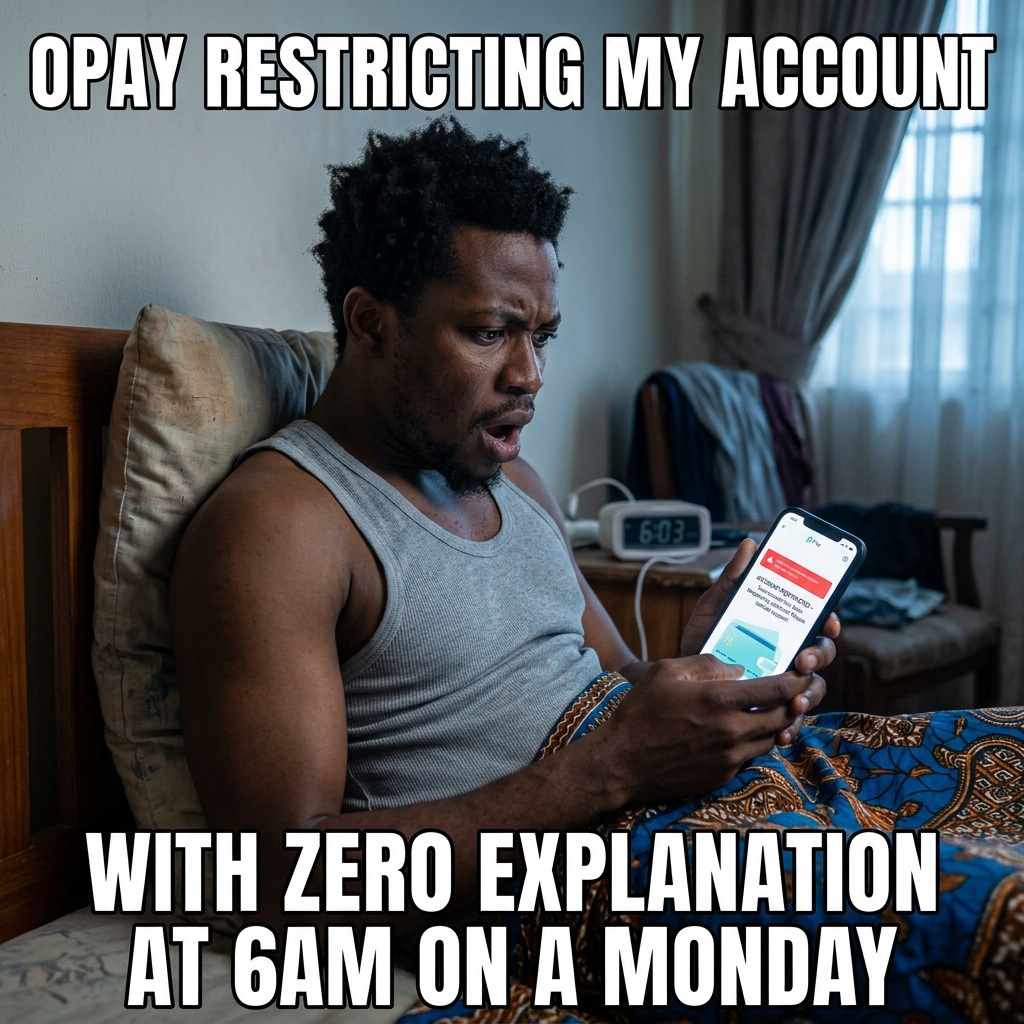
Before you call everyone you know or start assuming the worst, take a breath. Account restrictions on OPay and PalmPay happen far more often than most people realise — and most of them are fixable in under 24 hours if you take the right steps.
---
Why Fintech Accounts Get Frozen in Nigeria (The 4 Real Reasons)
1. CBN KYC compliance sweep.
The Central Bank of Nigeria has been running waves of KYC (Know Your Customer) enforcement since 2023. Fintech platforms are required to verify every user's BVN and NIN. If yours isn't fully linked yet, your account can be automatically restricted without warning.
2. Suspicious transaction pattern flagged by automated fraud detection.
If your account received several small transfers in quick succession, sent money to multiple new recipients rapidly, or had unusual activity compared to your normal pattern, the platform's AI may have flagged and restricted the account pending review. This is especially common on OPay because of how many small businesses use it.
3. Account reported by another user.
Someone can flag your account if they believe a transaction was fraudulent. Even if the report is wrong, the platform freezes first and investigates after.
4. Expired identity document on file.
If the ID you used to register has expired and the platform runs a document validity check, your account may be restricted until you upload a current ID.
---
OPay vs PalmPay: How Their Freezes Differ
OPay tends to auto-restrict based on BVN/NIN verification status. If your account was opened before their 2023 compliance push and you never completed full verification, this is almost certainly your issue. OPay's freeze is usually self-service fixable.
PalmPay tends to freeze after specific flagged activity. Their restrictions often require direct support contact rather than a self-service fix. The process is slightly longer but still manageable.
---
Step 1: Check the App First — Some Freezes Are Self-Service
Before contacting anyone, open the app properly and look for a banner or notification telling you to complete verification. Both OPay and PalmPay have in-app prompts to upload your BVN, NIN, or a government-issued ID.
If this completes successfully, your account restriction usually lifts within 30 minutes to 2 hours automatically. No support ticket needed.
If there's no verification prompt, or completing it doesn't resolve the freeze, move to Step 2.
---
Step 2: OPay — How to Contact Support for Account Restriction
Use the official in-app customer service chat (do NOT email your BVN or ID to anyone, even support):
1. Open the OPay app and tap Me at the bottom right.
2. Tap Customer Service or the headset icon.
3. Type "Account Restricted Appeal".
4. The bot will transfer you to a human agent.
5. Provide your registered phone number.
6. If they request your ID, upload it securely through the app's chat interface, never via email.
Response time is typically 24–48 hours on business days. If you email on a Friday evening, expect a Monday response.
---
Step 3: PalmPay — How to Contact Support
Call 0700-000-PALM (0700-000-7256) during business hours (8am–6pm weekdays), or use the in-app support chat (Settings → Help & Feedback).
The chat route is highly recommended. It gets faster results than calling and allows you to securely upload any requested documents (like your ID) directly within the PalmPay app, which is safer than sending sensitive documents via email.
---
Step 4: No Response in 48 Hours? FCCPC Escalation
If you've emailed support, waited two full business days, and still have no resolution or response — escalate to the Federal Competition and Consumer Protection Commission (FCCPC).
Email: info@fccpc.gov.ng
Include:
The FCCPC has been active against fintech platforms that ignore consumer complaints. A formal complaint here typically prompts a response from the platform within 24 hours.
---
The Truth About "My Account Was Hacked" Freezes
When an account suddenly goes restricted, many people's first thought is: someone hacked me. Most of the time, that's not what happened.
The automated fraud detection systems at OPay and PalmPay are aggressive by design — they flag and freeze first, then ask questions later. An unusual transaction pattern, a new device login, or a mismatch in your KYC documents is enough to trigger it. This is a security feature working correctly, even if the experience is frustrating.
The actual account compromise scenario (someone actively moving your money) would typically look different: you'd see debit alerts for transactions you didn't make. If your balance is intact and just frozen, it's almost certainly a compliance or detection freeze, not a breach.
---
What NOT to Do
Do not open a second OPay or PalmPay account with the same BVN. The system will detect the duplicate and flag both accounts — now you have two frozen accounts instead of one.
Do not share your login credentials or OTP with anyone claiming to help you. There are scammers on Twitter, WhatsApp, and Telegram posing as OPay/PalmPay support who will steal your money if you give them access. The real support contacts are only the email addresses and numbers listed above.
---
While Your Fintech Account Is Frozen
For day-to-day VTU needs — buying airtime, data, electricity tokens, or cable TV — your Vtyield wallet operates completely independently of your OPay or PalmPay balance. You can fund your Vtyield wallet through any bank transfer (GTBank, Access, Zenith, any) and keep buying the essentials without disruption while you sort out the fintech freeze.
The Vtyield wallet doesn't carry the same automated freeze risk that comes with high-volume social payment apps — it's purpose-built for VTU transactions, not general banking.
Get more like this — free
No spam. Just useful Nigerian fintech tips, once a week.
You might also like
How to Verify a VTU Website Is Legit: 12-Point Checklist
Learn exactly how to spot a fake VTU platform in Nigeria and protect your funds using this straightforward verification checklist.
How to Verify a VTU Website Is Legit: 12-Point Checklist
Learn the exact steps to check if a Nigerian VTU platform is safe before you fund your wallet. Keep your money secure with this simple guide.
How to Check Your BVN and Link Your NIN to Your SIM Card (2026 Complete Guide)
Step-by-step instructions for checking your BVN number, retrieving a forgotten NIN, and linking your NIN to MTN, Airtel, Glo, and 9mobile SIM cards in 2026.
Ready to try it out?
Airtime, cheap data, electricity tokens, cable TV — delivered in seconds. No queues, no agents.
Account saves your history & earns you referral bonuses