

Buy Ibadan Electricity (IBEDC) Prepaid Token Online: Step-by-Step
Step-by-step guide to buy IBEDC prepaid electricity tokens online across Oyo, Ogun, Osun, and Kwara without queueing at cash offices or losing money to network delays.
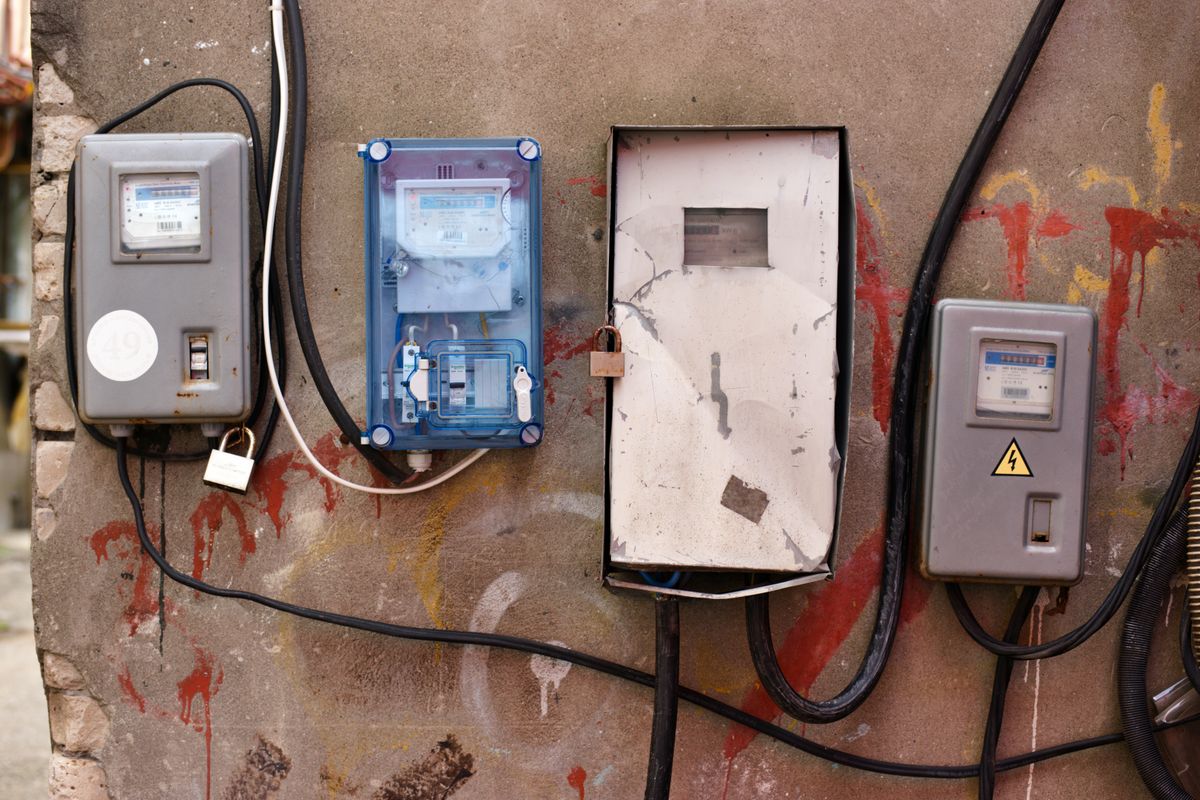
Standing in line under the hot sun at Ring Road in Ibadan, Challenge, or the Dugbe business office just to buy an electricity token is an ordeal nobody enjoys. Between long queues, sudden power cuts in the banking hall, and tellers telling you their network is down, buying electricity offline wastes hours that you cannot get back.
Ibadan Electricity Distribution Company (IBEDC) distributes power across the largest franchise area in southern Nigeria. It covers Oyo State, Ogun State, Osun State, Kwara State, and parts of Niger, Ekiti, and Kogi states. Because of this massive coverage, server traffic on physical vendor desks gets congested, especially on weekend mornings and the first three days of any month.
Buying your prepaid meter token online solves this problem completely. When you buy through an automated platform, your 20-digit Standard Transfer Specification (STS) token generates within seconds and reaches your screen and phone instantly. Here is everything you need to know to recharge your IBEDC meter cleanly without losing funds.
What You Need Before You Start
Before opening any app or website to pay for power, gather three essential details:
1. Your 11-digit or 13-digit meter number: This is printed on your plastic meter card or stamped directly onto the barcode plate of the physical meter mounted on your wall. It is not the account number printed on old estimated bills.
2. The registered account name and meter type: IBEDC meters are either single-phase or three-phase, manufactured by brands like Conlog, Mojec, Momas, Inhemeter, or Chint.
3. Your debit card or digital wallet: Have a functional payment method ready with sufficient balance to cover your energy charge and any statutory VAT.
Step-by-Step Guide to Buying IBEDC Tokens Online
Purchasing power online should never require complex registrations or filling out five-page forms. You can complete the entire transaction in under a minute using Vtyield guest electricity recharge.
Step 1: Select IBEDC Under Electricity Providers
On your device, head to the electricity payment section. Select Ibadan Electricity (IBEDC) from the dropdown list of Nigerian distribution companies.
Step 2: Enter Your Meter Number and Choose Prepaid
Select Prepaid as your meter type. Type your meter number carefully. Avoid adding spaces or dashes between the digits.
A reliable portal performs an automated customer validation lookup directly with IBEDC servers. Within two seconds, the system displays the registered customer name and installation address linked to that meter. Always verify that the name matches your landlord or compound records before paying. If the name belongs to an unfamiliar address in another state, stop immediately and re-check your digits.
Step 3: Specify the Amount
Enter the naira amount you want to purchase. The minimum online recharge for IBEDC is typically ₦1,000.
Keep in mind that value added tax (7.5% VAT) applies automatically to the base energy component. For example, if you pay ₦10,000, ₦9,302.33 goes toward kilowatt-hour (kWh) energy units, while ₦697.67 goes to statutory federal VAT. If your meter carries legacy arrears from a past migration, IBEDC systems may deduct a set percentage toward that balance before issuing token units.
Step 4: Pay Securely and Receive Your 20-Digit Token
Complete the payment using your debit card, bank transfer, or stored wallet. Once payment confirms, your 20-digit token generates instantly on your screen. You also receive a backup SMS containing the 20 digits, the units purchased (in kWh), and your transaction reference.
If you prefer buying on your phone via text without launching a web browser, you can also use the Vtyield WhatsApp bot to buy IBEDC tokens directly in your chat screen in 15 seconds.
How to Load the Token into Your IBEDC Meter
Once you have your 20-digit token, follow these steps at your Customer Interface Unit (CIU):
1. Plug the CIU into an active wall socket inside your house: The CIU needs domestic power or working AA batteries to communicate with the meter box mounted on the pole or outside wall.
2. Key in the 20 digits accurately: Punch each digit firmly into the keypad. The LCD screen displays each digit as you press it. If you press a wrong digit, tap the blue or yellow backspace arrow to delete it.
3. Press the Enter key: On Mojec and Chint keypads, the Enter key is usually the red or green button with a tick or carriage return symbol. On Conlog keypads, press the hash (#) button.
4. Read the screen response:
Common IBEDC Online Token Issues and How to Solve Them
Even with fast digital portals, real-world hiccups happen. Here is how to handle the four most common meter problems in IBEDC territory:
1. Money Debited but Token Did Not Display
If your bank debited your account during a sudden bank network glitch and the browser refreshed before displaying the token, do not panic or pay twice.
First, check your SMS inbox for the automated delivery text. Second, open the receipt lookup on the platform and input your meter number. Because token generation is tied directly to the meter ID on IBEDC central database servers, the system pulls up your completed 20-digit token immediately. You can read our detailed breakdown on what happens to money in failed transactions and how to resolve them.
2. The Meter Shows "Reject" or "Error 30"
An "Error 30" or general rejection code usually means communication failure between your handheld CIU keypad and the remote meter on the utility pole:
3. Key Change Tokens (KCT)
If IBEDC recently updated their STS software or your meter has never been rolled over to STS-2, your meter will reject ordinary recharge tokens until you enter two 20-digit Key Change Tokens (KCT 1 and KCT 2). When this happens, load KCT 1 first, press Enter, wait for Accept, load KCT 2, press Enter, and only then load your newly generated energy token.
Why Recharge Online Through Vtyield?
Buying electricity on Vtyield removes the stress of dealing with unresponsive bank apps or closed billing offices:
Check out our guide on how to check if your prepaid meter is genuine or stolen to protect your property and ensure you are always buying power safely.
Get more like this — free
No spam. Just useful Nigerian fintech tips, once a week.
You might also like
Electricity Units Calculator Nigeria: How Many kWh Do You Get for Your Money?
Calculate exactly how many prepaid electricity units (kWh) you receive for N5,000, N10,000, or N20,000 in Nigeria across Band A, B, and C with 7.5% VAT accounted for.
Buy Port Harcourt Electricity (PHED) Prepaid Token Online: Step-by-Step
Step-by-step guide to recharge your PHED prepaid electricity meter online across Rivers, Bayelsa, Cross River, and Akwa Ibom without queueing or losing money to network delays.
How to Check If a Prepaid Meter Is Genuine or Stolen in Nigeria
Guide on how to verify if a prepaid electricity meter is authentic, properly registered to your address, or a stolen relocated device that could cause arrest.
Ready to try it out?
Airtime, cheap data, electricity tokens, cable TV — delivered in seconds. No queues, no agents.
Account saves your history & earns you referral bonuses