

Buy Port Harcourt Electricity (PHED) Prepaid Token Online: Step-by-Step
Step-by-step guide to recharge your PHED prepaid electricity meter online across Rivers, Bayelsa, Cross River, and Akwa Ibom without queueing or losing money to network delays.
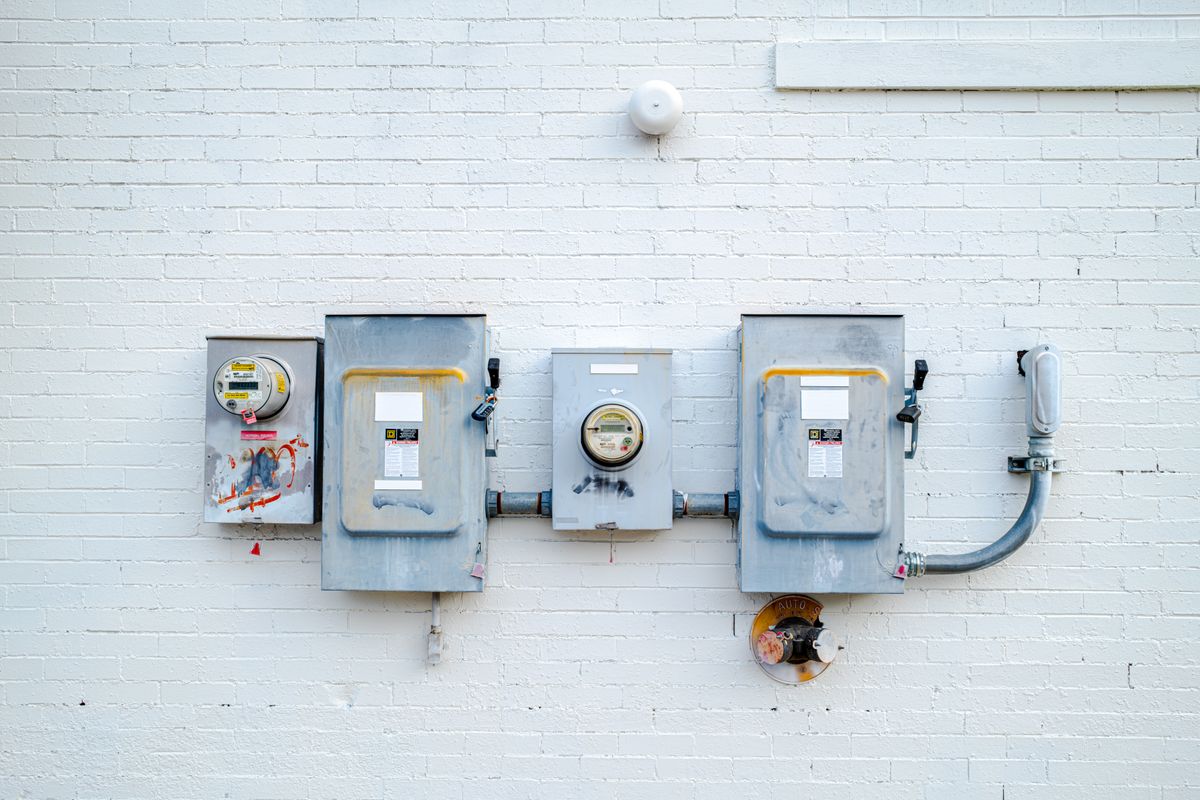
Nothing ruins an evening faster than hearing the warning beeps from your prepaid electricity meter when your balance drops below five kilowatt-hours. In Port Harcourt, Calabar, Uyo, or Yenagoa, rushing down to a physical distribution office or POS kiosk at night is stressful, especially when heavy downpours hit or the vendor tells you their network is down.
Port Harcourt Electricity Distribution Company (PHED) supplies electricity to four critical South-South states: Rivers State, Bayelsa State, Cross River State, and Akwa Ibom State. Whether you are running a business in Trans-Amadi, living in GRA Phase 2, or powering a residential flat in Calabar South, you need a dependable way to purchase electricity tokens without stepping out of your house.
Recharging your PHED prepaid meter online ensures you receive your 20-digit Standard Transfer Specification (STS) token instantly on your screen and phone. Here is a clear, practical guide on how to complete your recharge safely and troubleshoot common meter errors.
What You Need Before You Pay
To make sure your transaction goes smoothly without uncredited debits, have these details on hand:
1. Your 11-digit or 13-digit meter number: Check your physical meter card or inspect the barcode plate mounted on your Mojec, Inhemeter, or Conlog unit. Do not confuse this with an old estimated billing account code.
2. Customer details verification: Knowing your registered account name helps you confirm you are crediting the exact meter installed in your apartment.
3. A funding method: A debit card, bank transfer, or funded digital wallet with enough balance for your energy recharge and value added tax.
Step-by-Step Guide to Buying PHED Tokens Online
You can recharge your PHED meter in less than 60 seconds without creating an account or filling out unnecessary personal details using Vtyield guest electricity recharge.
Step 1: Choose Port Harcourt Electricity (PHED)
Go to the electricity payment section on the portal. Pick Port Harcourt Electricity (PHED) from the list of Nigerian DISCOs.
Step 2: Input Your Meter Number and Select Prepaid
Choose Prepaid as your service type. Enter your meter number without spaces, hyphens, or extra letters.
The automated system queries the PHED customer database in real time. Within two seconds, the screen displays the registered account name, property address, and tariff classification. Take a moment to verify that the displayed name matches your property records. If the details show an unfamiliar address in another district, stop and re-enter your meter digits.
Step 3: Enter the Recharge Amount
Specify how much power you wish to buy. The standard minimum purchase for PHED online tokens is ₦1,000.
Under federal regulations, a 7.5% Value Added Tax (VAT) applies to the energy component of every electricity transaction in Nigeria. For instance, if you purchase ₦5,000 worth of electricity, the net energy purchase is ₦4,651.16 while ₦348.84 covers statutory VAT. If your account has existing debt recovery adjustments linked to your meter migration, a scheduled deduction will reflect on your receipt.
Step 4: Pay Securely and Receive Your Token
Complete your payment through your debit card, direct bank transfer, or wallet. As soon as your payment confirms, the 20-digit STS token displays clearly on your screen. You also get an immediate SMS confirmation containing the token digits, unit value in kilowatt-hours (kWh), and your transaction receipt.
If you are on your smartphone and want an even faster route, you can also use the Vtyield WhatsApp bot to buy PHED tokens in 15 seconds directly inside your chat window.
How to Enter the Token into Your PHED Meter
Once your 20-digit token arrives, loading it onto your meter is straightforward:
1. Power your Customer Interface Unit (CIU): Plug the keypad unit into an active wall socket inside your flat. If your house is completely dark, insert fresh AA batteries into the battery compartment at the back of the CIU.
2. Type the 20 digits accurately: Punch the 20 numbers in sequence. Watch the digital screen to ensure each number registers. If you press a wrong key, use the backspace arrow to correct it.
3. Press the Send or Enter key: On Mojec meters, press the blue or green button with the return arrow. On Conlog units, press the hash (#) symbol.
4. Observe the confirmation:
Troubleshooting Common PHED Meter Problems
Here is how to resolve the three most common token issues encountered by electricity users across the South-South:
1. Bank Account Debited but No Token Displayed
During severe interbank network spikes, your bank app may deduct funds while the provider confirmation is briefly delayed.
Never pay a second time right away. First, check your SMS messages for your token. Second, visit the token retrieval tool on the recharge platform and input your meter number. Since every approved token is logged under your meter number on the central PHED billing server, the 20 digits will display instantly. For more guidance on handling payment interruptions, read our breakdown on how to recover failed transaction funds in Nigeria.
2. CIU Shows "Error 30" or "No Connection"
An "Error 30" indicates that the handheld keypad cannot establish wireless radio contact with the meter base mounted high on the pole outside your compound:
3. Key Change Tokens (KCT) Rejection
If PHED engineers recently updated the feeder firmware in your neighborhood, your meter may reject regular recharge tokens until you reset it with two 20-digit Key Change Tokens. Enter KCT 1 first, hit Enter, wait for the meter to display Accept, enter KCT 2, hit Enter, and then load your new electricity token.
Why Buy Your Electricity Tokens on Vtyield?
Buying power on Vtyield offers peace of mind:
Make sure to also read our guide on understanding Nigeria electricity tariff bands to see how your neighborhood feeder banding affects your monthly electricity consumption.
Get more like this — free
No spam. Just useful Nigerian fintech tips, once a week.
You might also like
Electricity Units Calculator Nigeria: How Many kWh Do You Get for Your Money?
Calculate exactly how many prepaid electricity units (kWh) you receive for N5,000, N10,000, or N20,000 in Nigeria across Band A, B, and C with 7.5% VAT accounted for.
Buy Ibadan Electricity (IBEDC) Prepaid Token Online: Step-by-Step
Step-by-step guide to buy IBEDC prepaid electricity tokens online across Oyo, Ogun, Osun, and Kwara without queueing at cash offices or losing money to network delays.
How to Check If a Prepaid Meter Is Genuine or Stolen in Nigeria
Guide on how to verify if a prepaid electricity meter is authentic, properly registered to your address, or a stolen relocated device that could cause arrest.
Ready to try it out?
Airtime, cheap data, electricity tokens, cable TV — delivered in seconds. No queues, no agents.
Account saves your history & earns you referral bonuses