DStv/GOtv Payment Not Reflecting? Try These Fixes Before Calling Support
Paid for DStv or GOtv but still seeing E16 or expired screen? Here are 5 fixes that actually work before you waste hours on hold with support.

It's 7:55 PM. The match kicks off in five minutes. You paid your DStv subscription an hour ago, opened the TV full of confidence — and met a blank screen. Or worse, E16. The neighbor's compound is already loud. You can literally hear the commentary through the wall.
This is not a test. This is a Nigerian emergency.
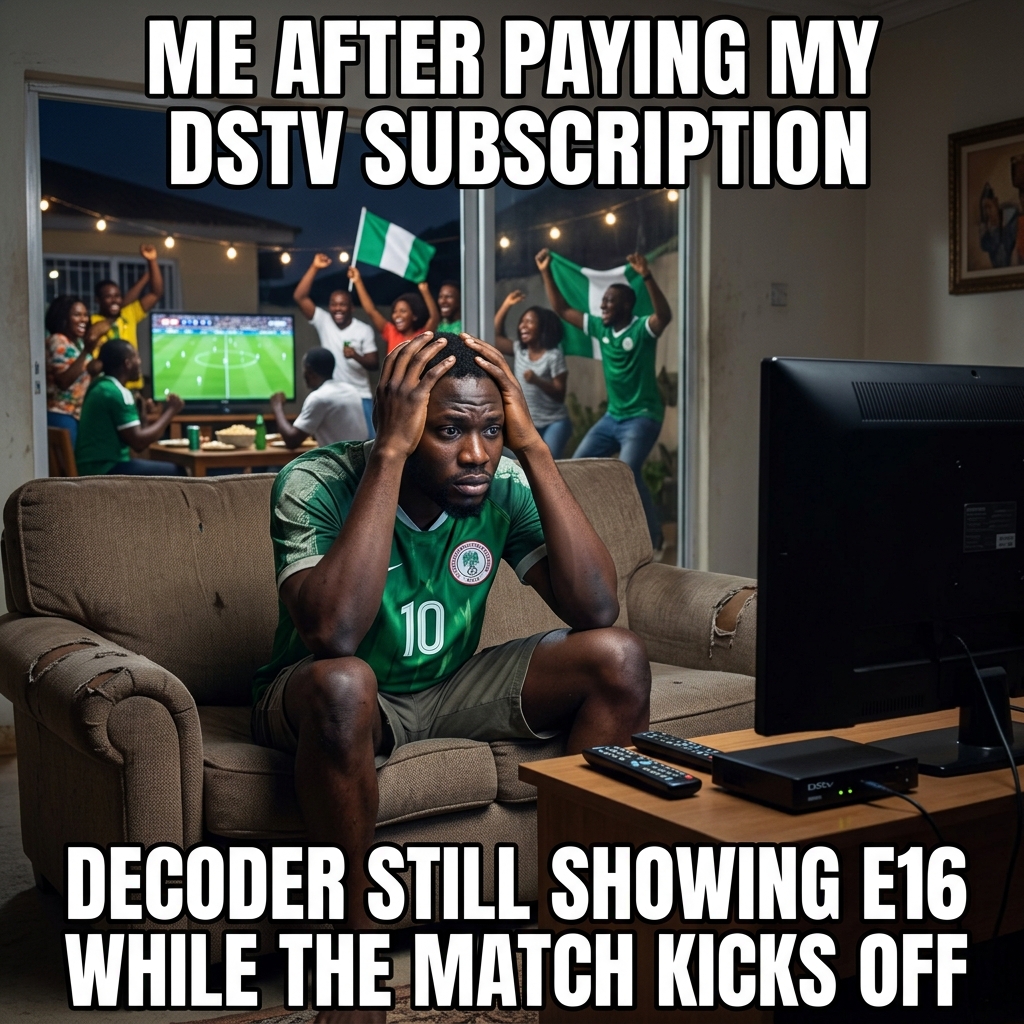
Before you call 0700 225 5782 and spend 40 minutes on hold while the second half is already running, read this. Most DStv and GOtv "payment not reflecting" issues fix themselves in under 15 minutes — if you know what to do.
---
Why Your DStv Payment Is Not Reflecting (The Real Reasons)
1. Your decoder was off during payment.
When your decoder is powered off at the moment Multichoice processes your subscription, it doesn't receive the activation signal.
2. Wrong IUC/smartcard number.
You paid to the wrong decoder. Maybe you typed a number one digit off.
3. Network processing delay.
There's usually a 5–15 minute delay between your payment and the signal reaching your decoder. Most people call support at minute three.
4. Account expired too long — requires manual reset.
If your subscription lapsed for an extended period (sometimes 3+ months), automatic reactivation doesn't always kick in.
---
Fix 1: Wait 10–15 Minutes, Then Restart the Decoder
This sounds too simple. That's exactly why nobody does it.
Unplug your decoder from the power socket. Wait 30 full seconds. Plug it back in and let it boot completely. This forces the decoder to re-check with Multichoice's servers and pull your updated subscription status.
This fixes the majority of "payment not reflecting" complaints.
---
Fix 2: Confirm Your IUC/Smartcard Number
Physically check your IUC number (DStv) or smartcard number (GOtv). It is printed:
It is NOT on the remote control. Compare what's on the decoder to the number you paid with. One wrong digit means your money is sitting on somebody else's account.
---
Fix 3: Dial *288# to Force a Reconnect (DStv)
*288# from the phone number linked to your DStv accountMake sure your decoder is on and connected to satellite when you do this.
---
Fix 4: Use the MyDStv or MyGOtv App — Tap "Clear Error"
1. Log in to your account
2. Navigate to your decoder/subscription details
3. Look for "Clear Error" or "Reconnect" option
4. Tap it — the app sends a signal directly to your decoder
Give it 2–3 minutes after tapping, then check your TV.
---
Fix 5: You Paid to the Wrong IUC Number — Here's What to Do
Send an email to vendorsupops@ng.multichoice.com with:
Multichoice typically resolves these within 24–48 hours on business days.
---
The Most Common Mistake Nigerians Make
Calling customer service at the three-minute mark.
The DStv support line during peak hours can keep you waiting 30–45 minutes before you speak to a human. And the first thing they'll tell you? "Have you tried restarting your decoder?"
Check your IUC number. Wait 15 minutes. Restart. Use the app. Then call — if you still need to.
---
One Thing That Prevents All of This
Next time you need to renew, use Vtyield. You enter your IUC/smartcard number, the platform shows you the account name tied to that decoder before you pay — so you confirm it's the right one. Payment posts instantly, and you get a transaction receipt you can use as proof if anything goes sideways.
No guessing. No wrong IUC. No "did it go through?" anxiety.
Try it once. You'll stop paying cable subscriptions any other way.
Get more like this — free
No spam. Just useful Nigerian fintech tips, once a week.
You might also like
Cable TV Hub: DStv, GOtv & StarTimes Prices, Renewal & Fixes
Current DStv, GOtv and StarTimes package prices. Plus, how to clear E16 and E30 decoder error codes instantly.
GOtv vs DStv in Nigeria 2026: Which Subscription Is Actually Worth Your Money?
GOtv or DStv? Both are Multichoice products, both are expensive, and both will test your patience when your renewal doesn't reflect. This is an honest breakdown of channels, pricing, value, and which one you should pick based on what you actually watch.
DStv vs GOtv vs StarTimes vs Streaming: Which Is Actually Worth Your Money in 2026?
An honest, Naira-for-Naira comparison of every cable TV and streaming option in Nigeria right now. We calculated the cost-per-hour-of-content so you don't have to.
Ready to try it out?
Airtime, cheap data, electricity tokens, cable TV — delivered in seconds. No queues, no agents.
Account saves your history & earns you referral bonuses