

How to Link NIN to MTN, Airtel, Glo and 9mobile Online (No Queues)
Step-by-step guide to linking your National Identification Number (NIN) to your MTN, Airtel, Glo, and 9mobile SIM cards online without standing in queues.
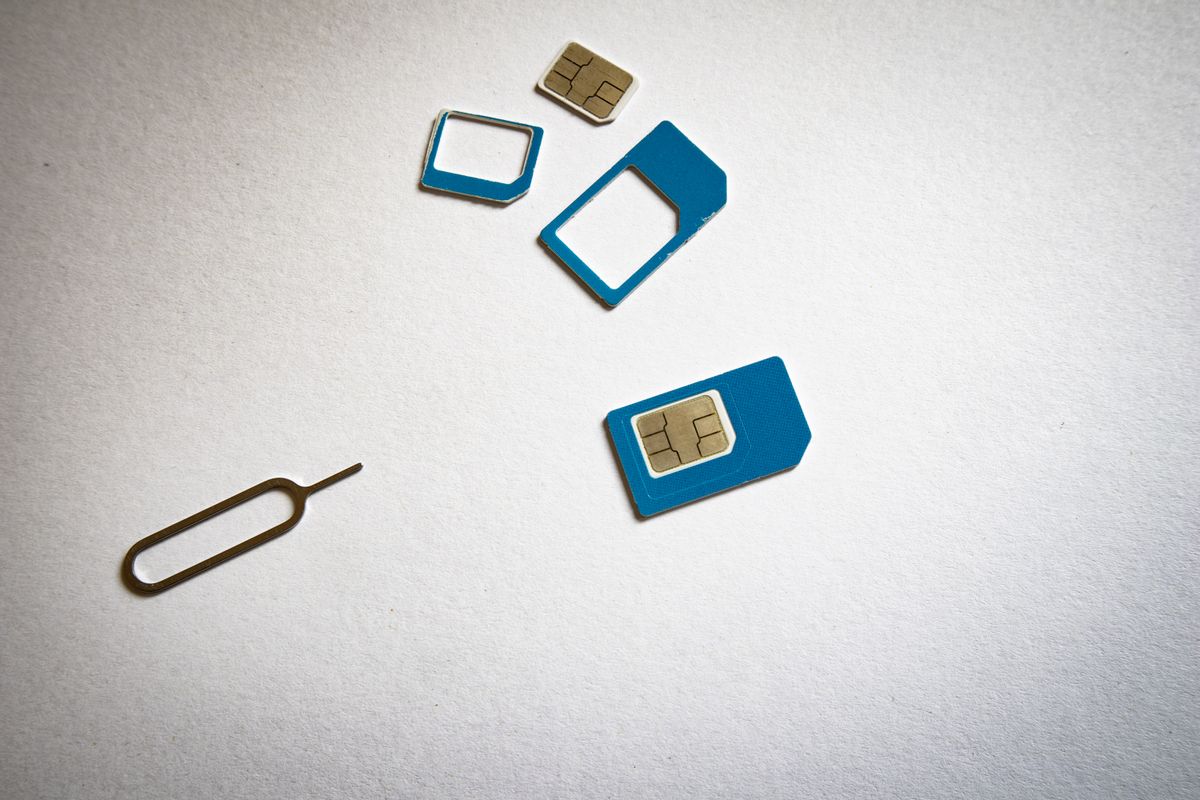
Waking up in the morning, picking up your phone to place an urgent call, and hearing an automated operator say "You are barred from placing this call due to regulatory compliance" is a cold shower. Under strict directives from the Nigerian Communications Commission (NCC), telecom operators must bar all SIM cards that have not been successfully verified against the National Identity Management Commission (NIMC) database.
Many people think their only option is waking up at 4:30 AM to queue in the morning sun outside an MTN or Airtel service center. Fortunately, unless your biometric name data is completely mismatched, you can link your National Identification Number (NIN) to your mobile lines completely online or through USSD in less than two minutes.
If your line was barred and you need a functioning internet connection right now while sorting out your verification, you can purchase data on an active backup phone through Vtyield guest data. To learn more about SIM identity protection, browse our trust and safety guide hub.
Here is the exact step-by-step guide to linking your NIN across MTN, Airtel, Glo, and 9mobile without visiting any crowded physical office.
First: How to Retrieve Your NIN If You Forgot It
Before you can link anything, you need your 11-digit National Identification Number. If you misplaced your printed NIN slip, you do not need to go to a NIMC office to get the number back.
1. Open your phone dialer on any phone registered with your NIN.
2. Dial \*346#.
3. Choose option 1 to retrieve your NIN.
4. Your 11-digit NIN will display on your screen.
5. A service fee of ₦20 is deducted from your airtime balance. Write down the 11 digits immediately.
The Universal Code: Link Any SIM Using \*996#
Under the NCC unified code harmonization, telecom operators now share a single standardized USSD shortcode for NIN submission across Nigeria: \*996#.
Whether you are using MTN, Airtel, Glo, or 9mobile:
1. Dial \*996# from the line you wish to link.
2. Select option 1 ("Submit NIN" or "Link NIN").
3. Type in your 11-digit NIN carefully.
4. Confirm your submission.
5. You will receive an immediate pop-up confirmation stating that your NIN has been received for verification with NIMC.
If you prefer using network-specific online portals or dedicated apps, here is how each carrier handles submissions:
1. How to Link NIN to MTN Online
MTN provides three distinct channels to link your line from home:
Option A: The MTN Online Portal
1. Open your browser and visit the official portal atnin.mtn.ng.
2. Enter your MTN phone number. You will receive a 6-digit One-Time Password (OTP) via SMS.
3. Enter the OTP to confirm SIM ownership.
4. Type in your 11-digit NIN and submit.
5. The portal displays a reference tracking number.Option B: The myMTN NG App
1. Open the myMTN NG app on your phone. 2. Look for the banner on your home dashboard titled "Link NIN". 3. Tap the button, enter your 11-digit NIN, and confirm.Option C: USSD String
2. How to Link NIN to Airtel Online
Airtel allows direct web submission and mobile app linking:
Option A: The Airtel Web Portal
1. Visitairtel.com.ng/nin in your browser.
2. Enter your Airtel mobile number.
3. Type in the verification OTP sent to your phone.
4. Input your 11-digit NIN.
5. Click "Submit".Option B: The Airtel Thanks App
1. Open the Airtel Thanks app. 2. Tap the "NIN Registration / Linkage" prompt. 3. Follow the on-screen steps to upload your NIN.Option C: USSD String
3. How to Link NIN to Glo Online
Globacom offers both an online verification portal and a direct SMS route:
Option A: SMS Method (No Internet Required)
You can link your Glo SIM using a simple SMS:UPDATENIN [11-digit NIN] [FirstName] [LastName]UPDATENIN 12345678901 Chinedu OkaforOption B: The Glo Online Portal
1. Visitgloworld.com/ng/nin in your browser.
2. Fill out the online form with your full name, Glo number, email, and NIN.
3. Confirm the verification code and submit.Option C: USSD String
4. How to Link NIN to 9mobile Online
9mobile provides a dedicated verification dashboard:
Option A: The 9mobile Verification Portal
1. Visit9mobile.com.ng/nin in your browser.
2. Click on "Verify and Link NIN".
3. Enter your 9mobile phone number and verify with the SMS OTP.
4. Enter your 11-digit NIN and submit.Option B: USSD String
How to Check If Your NIN Is Already Linked
If you are unsure whether your submission was approved, dial \*996# and select option 2 ("Check NIN Status" or "View NIN").
The network will display one of three statuses:
Why Online NIN Linkage Gets Rejected
If your online submission keeps failing or your line remains barred after submitting your NIN, the root cause is almost always a data mismatch:
1. Date of Birth Mismatch: If your date of birth on your SIM registration (entered when you bought the SIM ten years ago) does not match the date of birth on your NIMC slip, the automated system rejects the linkage.
2. Name Spelling Discrepancy: If your SIM registration shows "Ibrahim M. Bello" but your NIN slip reads "Ibrahim Mohammed Bello", the automated algorithm cannot prove ownership.
3. NIN Belongs to a Minor: SIM cards registered by individuals over 18 cannot be linked to a minor's NIN.
If your linkage is rejected due to a name or birthday mismatch, online portals cannot fix it. You must visit a physical telco service center with your original NIN slip and a valid government ID to perform a SIM Data Harmonization update.
Once your identity is reconciled, maintaining verified mobile utilities on platforms like Vtyield ensures your airtime, data, and bill payments function smoothly without unexpected interruptions.
Frequently Asked Questions
What is the official code to link NIN across all networks?
The official unified code across MTN, Airtel, Glo, and 9mobile is \*996#.How long does it take for a barred line to be unbarred after linking NIN?
Once your NIN is successfully verified against NIMC records, networks typically unbar outgoing calls within 2 to 24 hours. Turning your phone off and on helps refresh the connection.Can I link my NIN to more than one SIM card?
Yes. Under NCC regulations, an individual can link their single NIN to up to four SIM cards per network provider.How do I retrieve my forgotten NIN?
Dial \*346# from your registered mobile phone and select option 1. A ₦20 service fee is deducted from your airtime balance.Can I link my NIN using someone else's phone?
You can use someone else's phone to access web portals likenin.mtn.ng or airtel.com.ng/nin, but the verification OTP will always be sent to the specific phone number being linked.Get more like this — free
No spam. Just useful Nigerian fintech tips, once a week.
You might also like
Vtyield Success Rate and Uptime: How We Maintain 99.8% Reliability on Nigerian Telecom APIs
An inside look at how Vtyield maintains 99.8% delivery uptime across Nigerian telecom and electricity APIs with multi-gateway routing and automated instant refunds.
Virtual Card Declined in Nigeria? Here Are the Real Reasons and Fixes
Understand why your Nigerian virtual dollar card gets declined on international platforms like Netflix, Spotify, and AWS, and how to fix each error fast.
How to Check Your BVN Without Going to the Bank (All Methods)
Learn how to retrieve your Bank Verification Number instantly using the universal USSD code, bank mobile apps, and internet banking without standing in bank queues.
Ready to try it out?
Airtime, cheap data, electricity tokens, cable TV — delivered in seconds. No queues, no agents.
Account saves your history & earns you referral bonuses