
Virtual Card Declined in Nigeria? Here Are the Real Reasons and Fixes
Understand why your Nigerian virtual dollar card gets declined on international platforms like Netflix, Spotify, and AWS, and how to fix each error fast.
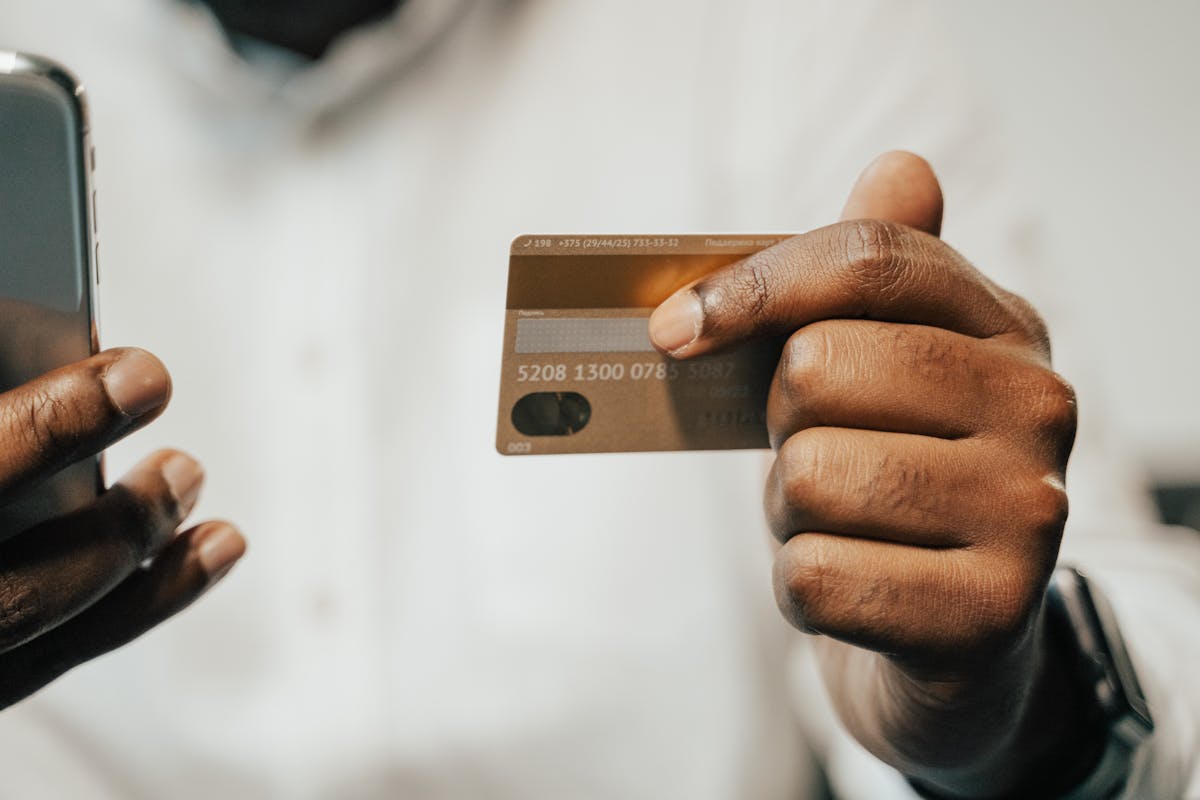
You funded your virtual dollar card with enough naira, converted it at the prevailing parallel market rate, carefully typed in the 16-digit card number and CVV, clicked "Pay Now", and watched the screen turn red with a frustrating message: "Your card was declined by your bank or card issuer."
Because standard naira debit cards remain blocked from international foreign currency payments under Central Bank of Nigeria foreign exchange rules, millions of Nigerians rely on virtual dollar cards issued by fintech apps to pay for subscriptions like Netflix, Spotify, ChatGPT Plus, Coursera, and web hosting. When those cards decline without a clear reason, people assume the card provider is broken. In reality, card declines usually come down to specific merchant security checks that you can easily correct.
If you want to protect your funds and understand how modern fintech payment rails function safely in Nigeria, explore our trust and safety guide hub. You can also secure reliable mobile internet without foreign card decline risks directly through Vtyield guest data or register an account on Vtyield.
Here is the technical reality behind why virtual dollar cards get rejected on foreign websites, and the exact steps to make your payments go through.
Reason 1: The Address Verification System (AVS) Mismatch
The Address Verification System (AVS) is an automated fraud prevention check used by American and European merchant payment processors (like Stripe, PayPal, and Shopify). When you enter your card details on an international website, the processor checks the billing address you typed against the address recorded on your virtual card profile.
Why This Fails for Nigerians:
Most virtual dollar cards issued by Nigerian fintechs are backed by US-based banking partners. These cards are assigned a specific US billing address (often located in California, Delaware, or Florida) inside your fintech app.If your virtual card profile is registered with a street address in Wilmington, Delaware, but you type your home address in Ikeja, Lagos into the website checkout form, the merchant's AVS system flags the order as a stolen card and rejects the payment immediately.
How to Fix It:
1. Open the mobile app where you created your virtual dollar card. 2. Tap on your card and look for "Card Details" or "Billing Address". 3. Copy the exact Street Address, City, State, and 5-digit ZIP code assigned to your card. 4. Paste that exact American billing address into the checkout form on the website you are paying.Reason 2: Lack of a Pre-Authorization Buffer (The $1 to $2 Hold)
Many subscription platforms (including Google Play, Amazon, Apple, and Uber) test whether a card is real and funded before attempting to charge the actual subscription fee. They do this by placing a temporary pre-authorization hold of $1.00 or $2.00 on your card.
The Problem:
If your Netflix subscription costs $9.99 and you fund exactly $10.00 onto your card, Netflix will attempt to place a $1.00 temporary authorization hold first, leaving your available card balance at $9.00. A split second later, Netflix attempts to charge the $9.99 subscription fee. Because your balance is now $9.00, the payment declines for insufficient funds.Even worse, many Nigerian card issuers charge a penalty fee (often $0.50) every single time an international transaction declines due to low funds, draining your balance further.
How to Fix It:
Always maintain a buffer of at least $3.00 to $5.00 above the exact purchase price on your virtual card. If an item costs $20.00, fund your card with $24.00. The temporary $1 hold drops off and returns to your card within 24 to 72 hours.Reason 3: Card Classification (Prepaid vs True Credit/Debit)
Behind the scenes, every payment card in the world is identified by its Bank Identification Number (the first 6 to 8 digits of your card, known as the BIN). Payment gateways look up this BIN to determine if your card is a credit card, traditional debit card, or a reloadable prepaid card.
Certain high-risk international platforms deliberately block all reloadable prepaid cards to prevent trial abuse and fraudulent sign-ups:
How to Fix It:
If a platform strictly refuses prepaid virtual cards, check if they accept PayPal. In many cases, you can link your Nigerian virtual dollar card to a PayPal account, and then select PayPal as the checkout option on the merchant site. PayPal processes the charge through their network, bypassing the merchant's direct BIN filter.Reason 4: 3D Secure (3DS) OTP Delivery Failure
Modern international payments require Two-Factor Authentication under 3D Secure protocols. When you click pay, a pop-up window appears asking for a One-Time Password (OTP) sent to your mobile phone or email address.
Nigerian telecommunication network congestion frequently delays international SMS delivery. If your bank or card issuer sends an OTP via SMS and the code takes four minutes to deliver to your phone, the merchant's checkout session times out and registers a decline.
How to Fix It:
Reason 5: Active VPN and IP Geolocation Conflicts
It is common practice in Nigeria to use a VPN to access certain online tools. However, having an active VPN turned on during card checkout often triggers aggressive fraud risk algorithms.
If you are paying with a virtual card that has a Delaware billing address, but your VPN is set to London, and your browser timezone and device cookies indicate you are in Lagos, the fraud detection engine flags the transaction as high risk and blocks the payment.
How to Fix It:
Checklist Before You Attempt Any Virtual Card Payment
Before you click the final payment button on any foreign store, run through this quick checklist:
1. Card Balance: Do you have at least $3 more than the total checkout amount?
2. Card Status: Is the card toggled to "Active" inside your app? (Many apps default new cards to locked).
3. Billing Address: Did you use the US address provided inside your virtual card app rather than your Nigerian house address?
4. Name Matching: Did you enter your name exactly as spelled on your card profile?
5. VPN Status: Did you turn off your VPN to avoid location mismatches?
Following these steps will resolve the vast majority of international payment failures and prevent annoying decline penalty fees.
Frequently Asked Questions
Why do Nigerian virtual dollar cards charge a decline fee?
Fintech issuers are charged a processing fee by international card networks (Visa and Mastercard) whenever a payment request fails due to insufficient funds. The $0.50 decline fee passes that penalty along to encourage users to maintain adequate card balances.Can I use a Nigerian virtual dollar card on PayPal?
Yes. Most Visa and Mastercard virtual dollar cards can be linked to a PayPal account, allowing you to pay merchants that support PayPal checkout.Does turning off VPN help when a card declines?
Yes. Payment gateways use fraud risk scoring that flags conflicting IP addresses, timezones, and billing countries. Disabling your VPN removes location discrepancies.What is the Address Verification System (AVS)?
AVS is an automated security system used by international payment processors to verify that the billing address entered during online checkout matches the billing address on file with the card issuer.What should I do if my virtual card is declined on AWS?
AWS typically blocks prepaid cards. You can try linking the card to a verified business PayPal account, or use an international debit card with full commercial tier classification.Get more like this — free
No spam. Just useful Nigerian fintech tips, once a week.
You might also like
Vtyield Success Rate and Uptime: How We Maintain 99.8% Reliability on Nigerian Telecom APIs
An inside look at how Vtyield maintains 99.8% delivery uptime across Nigerian telecom and electricity APIs with multi-gateway routing and automated instant refunds.
How to Link NIN to MTN, Airtel, Glo and 9mobile Online (No Queues)
Step-by-step guide to linking your National Identification Number (NIN) to your MTN, Airtel, Glo, and 9mobile SIM cards online without standing in queues.
How to Check Your BVN Without Going to the Bank (All Methods)
Learn how to retrieve your Bank Verification Number instantly using the universal USSD code, bank mobile apps, and internet banking without standing in bank queues.
Ready to try it out?
Airtime, cheap data, electricity tokens, cable TV — delivered in seconds. No queues, no agents.
Account saves your history & earns you referral bonuses